













Do you like Codenica software?
Create a free company account and see how the system works in practice.
Codenica software brings together computer monitoring, hardware and software inventory, IT audits, ticketing, Client Portal, knowledge base and communication with users. Use it as a help desk system or build a broader service desk process. The Codenica system is available in two versions: Cloud runs in Microsoft Azure, while On-Premise lets you keep data inside your company, on your own server, without connecting to Codenica servers or using the Internet (100% offline). Choose the deployment model and select the functions that fit your work.
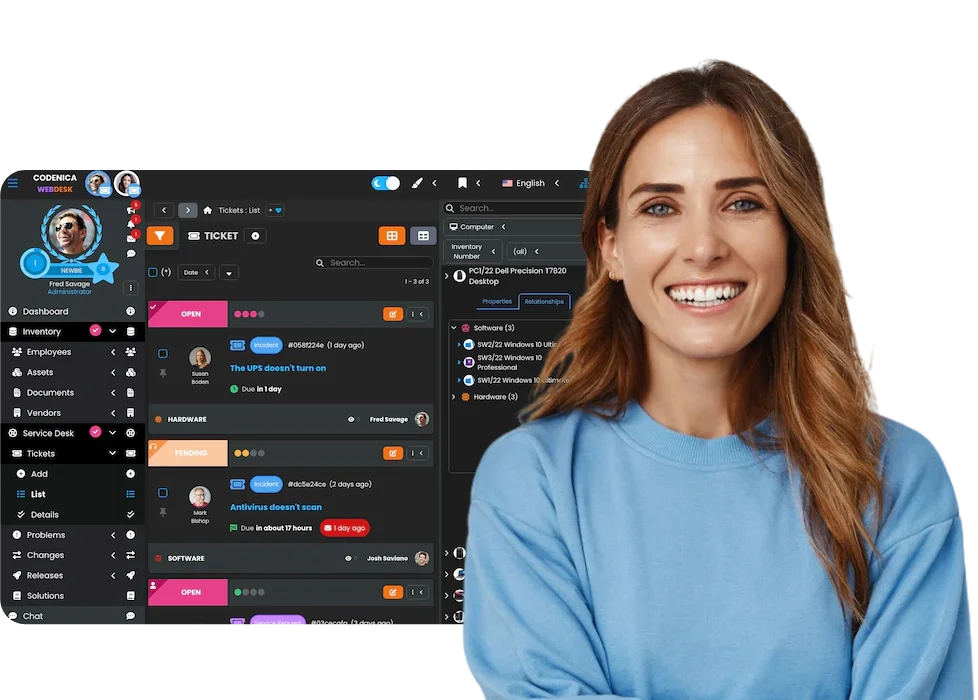

The Codenica application can show user activity, working time, productivity, applications in use, visited websites, file operations, data transfers, printing, clipboard activity, USB devices, security status and current hardware and software audit data. Employee computer monitoring is available in both Cloud and On-Premise versions. The place where data is stored depends on the selected deployment model. A small business owner can check how company computers are used, while a larger organization can manage workstations by department, location, monitoring profile and security policy.
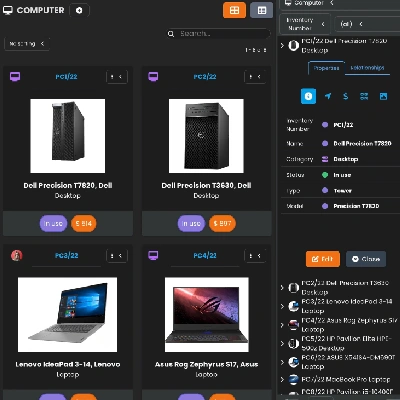
Codenica software lets you keep records and carry out inventory of computer hardware, devices, software, licenses and other company assets. You can create custom asset models and inventory items from any category, not only IT. The system organizes assignments, locations, documents, change history and links to users and requests. The module works in both Cloud and On-Premise versions.
Asset records and inventory
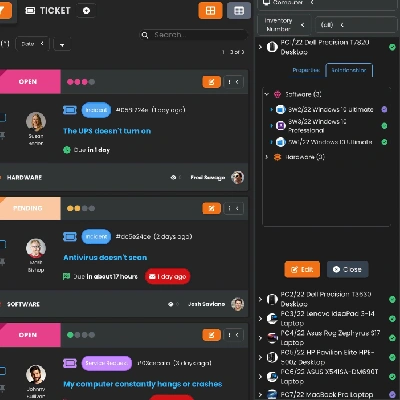
The Codenica application combines ticketing, asset management and communication with users. You can use it to support employees in your own company or to handle external clients. These functions are available in Cloud and On-Premise. Data remains in Azure or in your company infrastructure, depending on the selected deployment model.
Client Portal in the Codenica application is a module for people who use your company's support services. A client or employee can sign in through a browser, report a problem, check its status, see assigned assets and use the knowledge base. The portal can run in Cloud or as a local On-Premise installation, according to the address and access rules set in your company.
Client Portal available 24/7
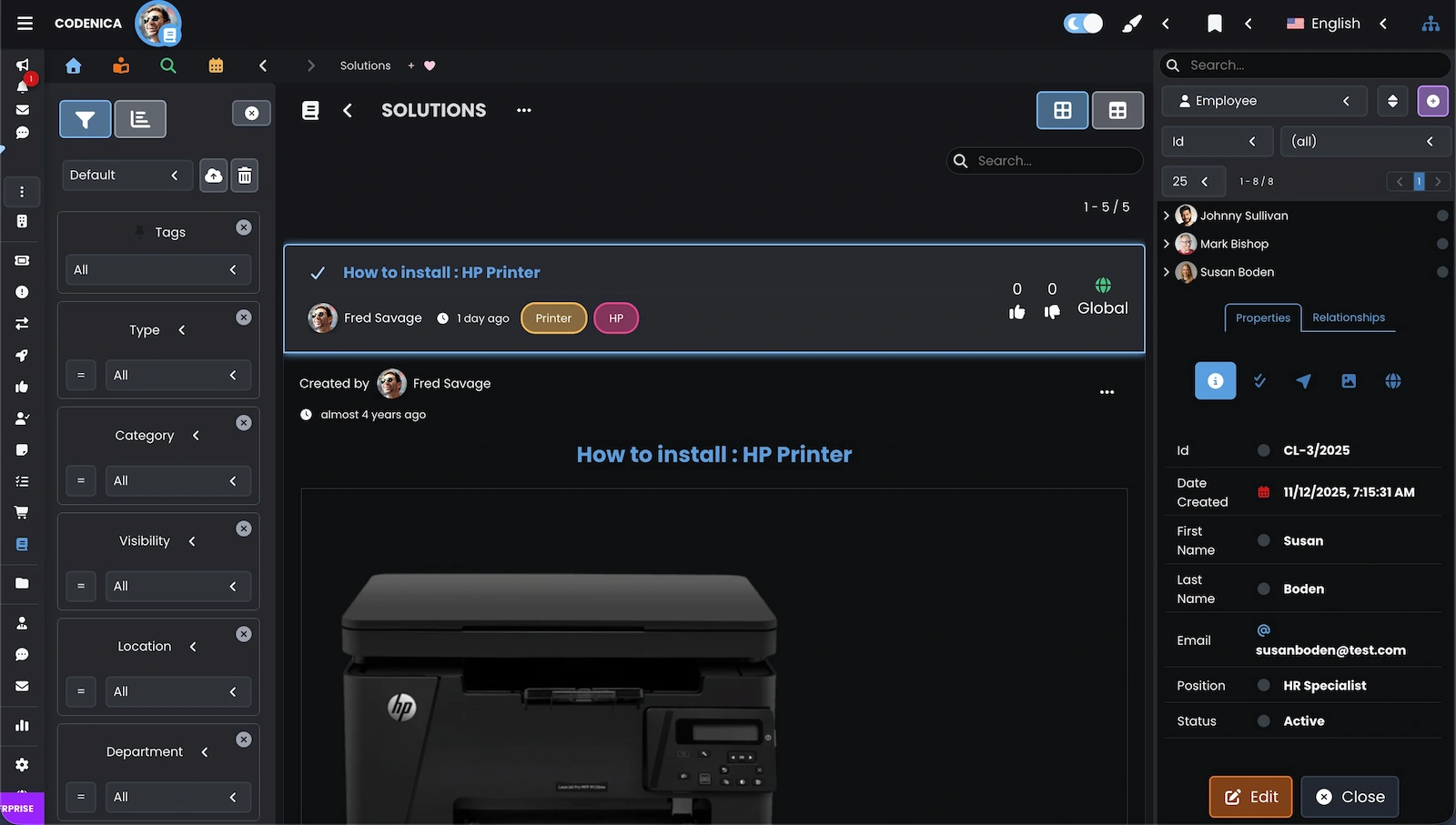
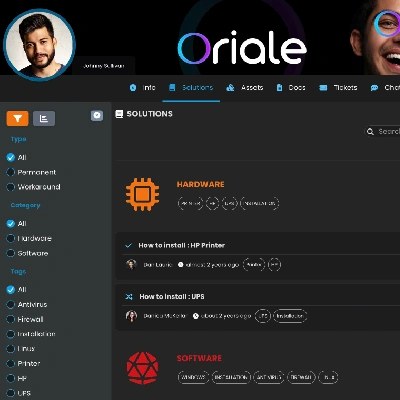
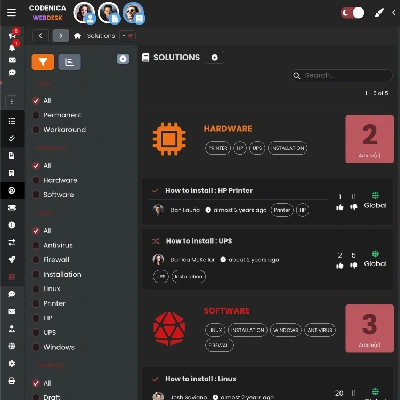
The knowledge base in the Codenica system helps you share ready-made solutions with people who report problems, while giving the support team quick access to internal instructions and procedures. Users can find an answer before creating another request. The team does not have to write the same explanation from scratch each time.
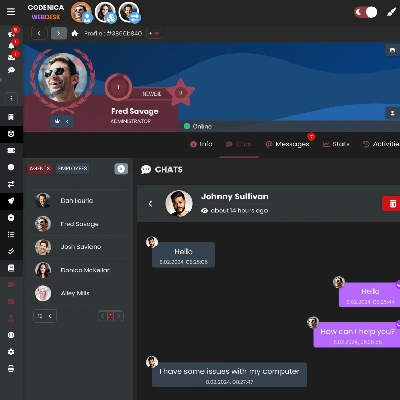
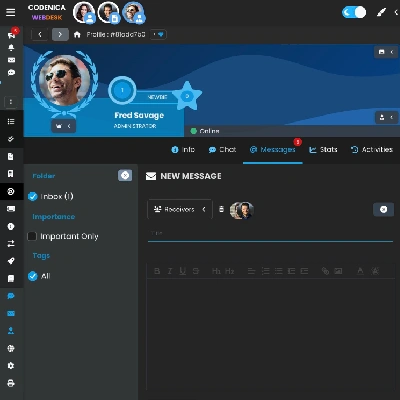
The Codenica application brings communication with clients and employees into one system. It helps you receive requests, keep the contact history and see who is handling each matter. You can use it in Cloud or run the On-Premise system in your own infrastructure.
A modern, straightforward ticketing system
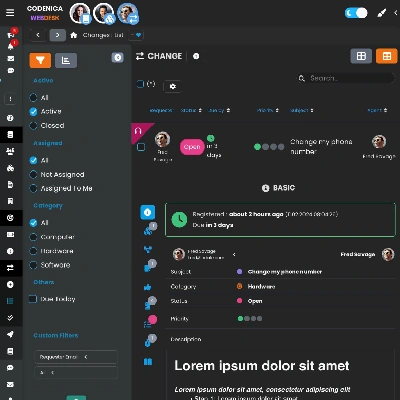
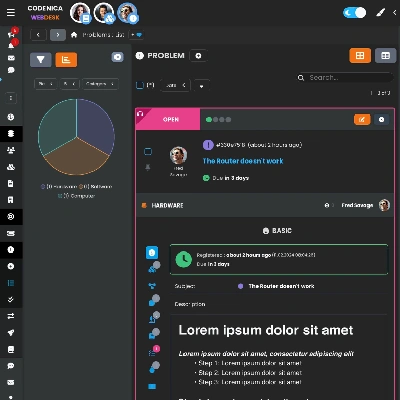
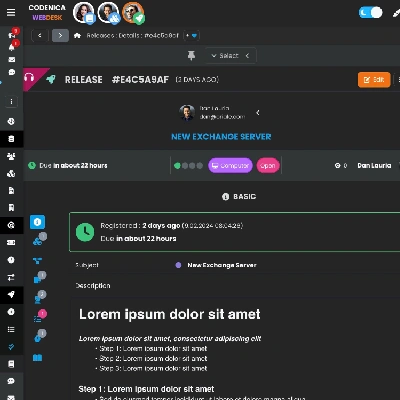
With the Enterprise license, the Codenica system expands request handling with change, problem and release management. The team can plan changes, assess risk, analyze the causes of problems and coordinate deployments according to ITIL practices. These functions are available in Cloud and On-Premise. Decisions, assets and requests remain connected.
From the Starter license, you get a ticketing system, asset records and inventory, Client Portal, knowledge base, chat and messaging. Cloud and On-Premise are two versions of the same Codenica software. The deployment model determines where data is stored and how users connect to the system. All listed modules work in one environment, without having to connect several separate applications.
Data updated in real time
Every saved change is immediately visible on the devices users work with - phones, tablets and computers. This keeps the team working with current information, whether it uses Cloud or a local On-Premise installation.
Do you like Codenica software?
Create a free company account and see how the system works in practice.