













Did you find our software useful?
Create a free business account today
Start Your Free 30-Day Codenica ITSM + ITAM Trial Today
Already have an account?
Log In
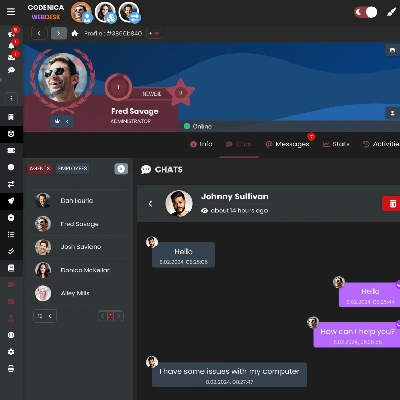
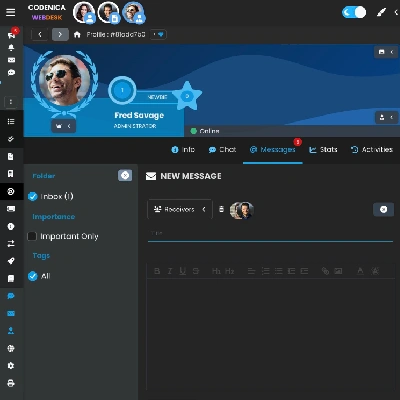
Codenica ITSM + ITAM combines asset management with a fully integrated help desk and service desk, creating one shared workspace for support teams and service providers. The platform includes a ticketing system, inventory management, a client portal, chat, messaging, and a knowledge base, all available in one place.

Even in the most budget-friendly licensing plan, you get a full service desk, IT asset management including inventory and tracking, a client portal, a knowledge base, as well as internal chat and messaging. Starting with the Starter license, you receive a complete tool for the daily work of IT support teams, without unnecessary feature restrictions. All modules operate within one coherent system, so there is no need to use multiple separate applications. The solution works equally well for small teams and for growing organizations that want to maintain full control over their IT processes. As your needs grow, you can smoothly extend the system with additional features and advanced management mechanisms. This allows you to start using the system quickly, without a long implementation process.
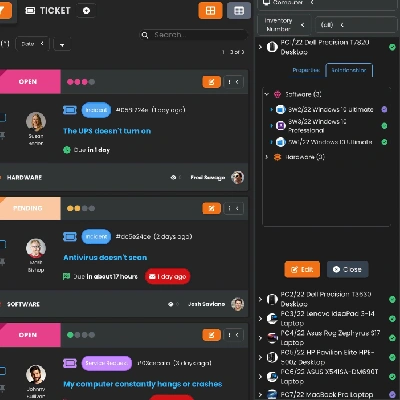
Help desk software centralizes all communication with customers and employees in a single system. It enables efficient ticket handling, preserves the full history of interactions, and provides clear control over ticket statuses and priorities. The system is available from any location and on any device, supporting the daily work of IT teams. A clear ticket structure helps organize work and ensures consistent support processes across the entire organization. It reduces lost requests, scattered email communication, and unclear ownership of issues.
A Modern Yet Simple Ticketing System
Codenica ITSM + ITAM is a modern yet simple help desk and service desk ticketing system that combines ticket handling, IT asset management, and user communication within a single environment. As a result, IT teams work faster, make fewer mistakes, and always have full context for every request. The platform is designed for the daily work of support teams - it organizes processes, shortens response times, and provides complete visibility into all tickets and related assets. The integrated inventory module allows you to manage hardware, software, and other company assets without relying on external tools. An advanced client portal gives users self-service access, ticket history, a knowledge base, and ongoing communication with the IT team.
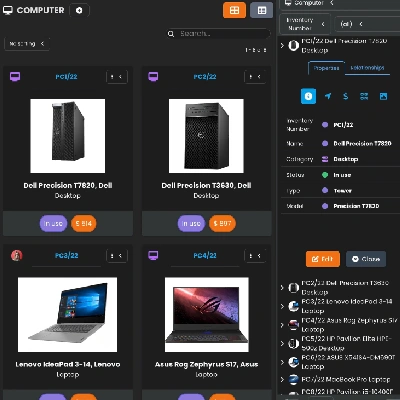
Computer hardware and software inventory management is a core element of the Codenica ITSM + ITAM platform. It allows you to quickly create and configure any type of company asset - from computers and licenses to peripheral devices, services, and intangible assets. The system organizes information about asset lifecycles, assignments, change history, and relationships with users and tickets. Thanks to full integration with help desk and service desk modules, inventory management is no longer a static register. It becomes an active tool that supports day-to-day IT management.
Inventory and Asset Management
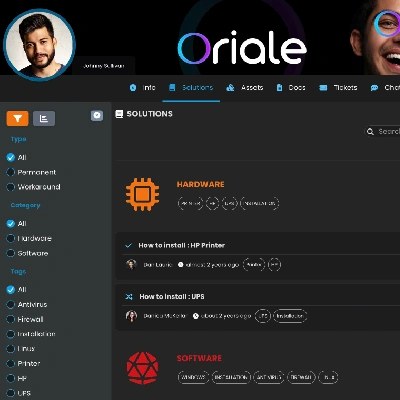
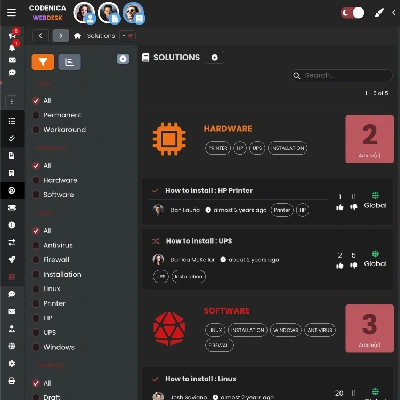
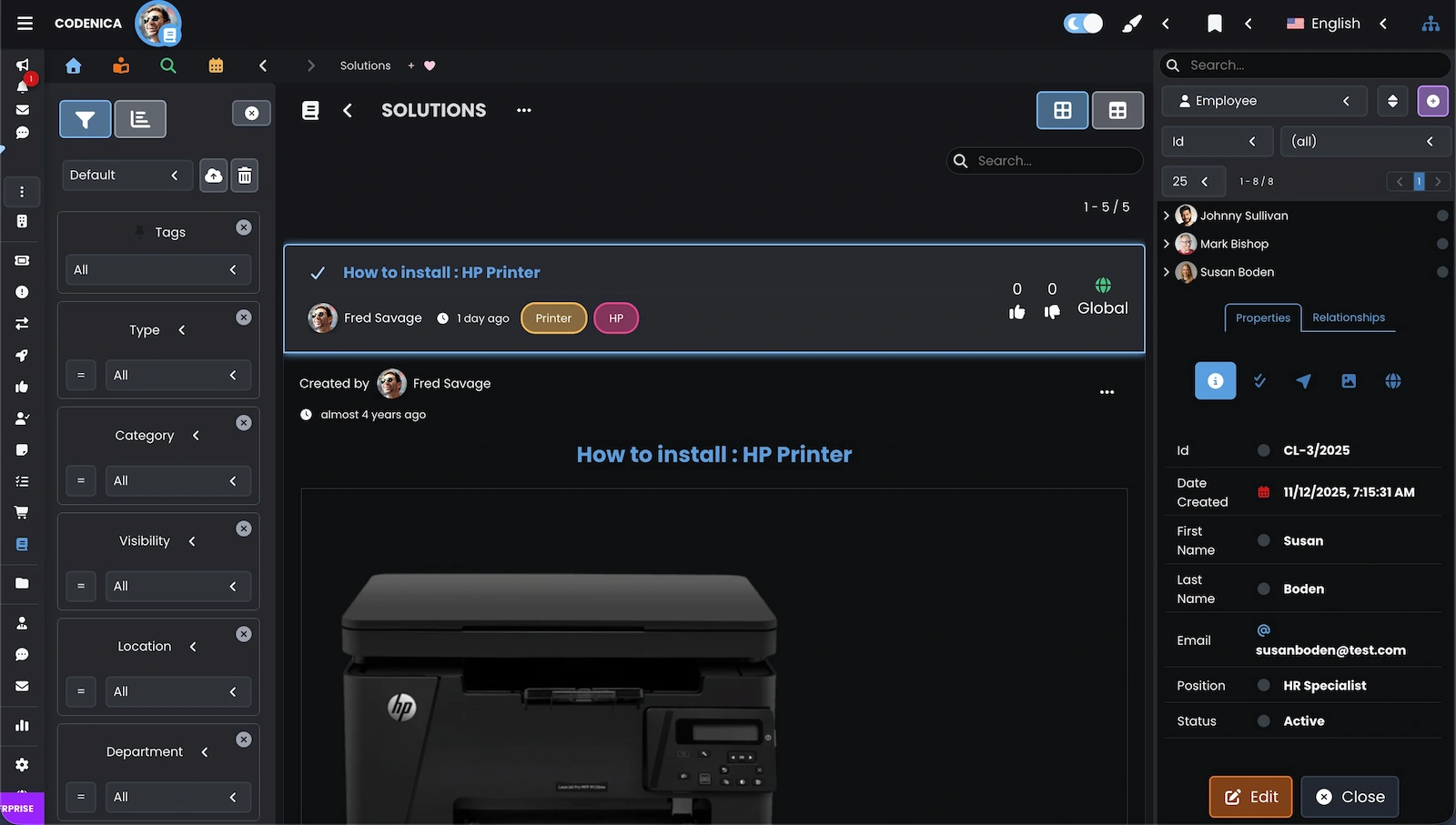
The knowledge base in Codenica ITSM + ITAM serves a dual role. It acts as a self-service center for customers and employees, while also functioning as an internal support tool for IT teams. It allows you to publish ready-made solutions, instructions, and procedures that significantly reduce the time needed to resolve recurring issues. In practice, this means fewer repetitive tickets and less time spent answering the same questions. Users can independently find answers, while the support team focuses on more complex requests. The result is a more organized and consistently updated company knowledge base.
The client portal in Codenica ITSM + ITAM is a modern customer or employee service system available 24/7, regardless of location or device. It serves as a single, central point of contact with the support team, combining a help desk ticketing system, knowledge base, chat, and internal messaging. Users can submit issues on their own, track request statuses, review assigned assets, and use ready-made solutions without the need for phone calls. As a result, communication is structured and transparent, significantly reducing response times for IT teams. For end users, this means clearer communication. For IT teams, fewer urgent calls and better workload control.
Client Portal Available 24/7
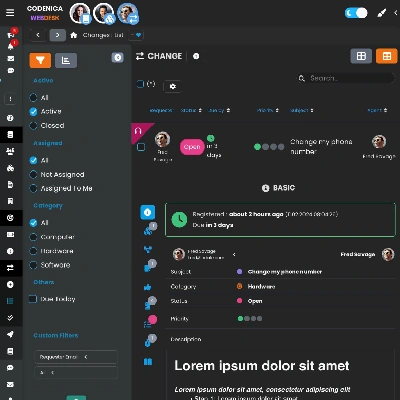
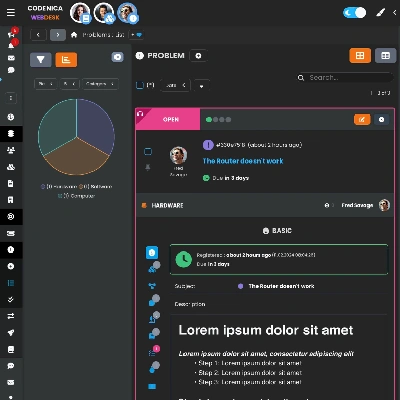
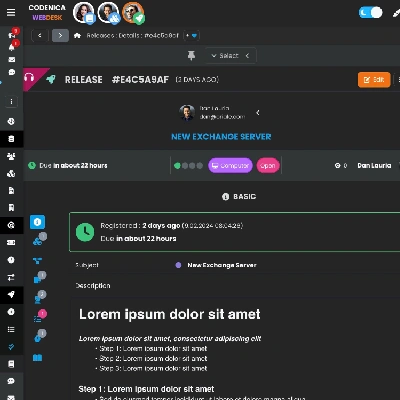
Change, problem, and release modules in Codenica ITSM + ITAM provide full control over key IT processes in line with ITIL best practices. The system supports change planning, risk assessment, and approvals, root cause analysis for problems, and safe coordination of releases and deployments. By centralizing data, decision history, and relationships with assets and tickets, IT teams gain full transparency and predictability of actions. The SaaS cloud solution allows you to manage changes and releases from anywhere, ensuring service stability even in complex organizational environments.
Real-Time Data Updates
Every saved change is instantly synchronized across all devices, including phones, tablets, and computers. This ensures that every user always works with the most up-to-date information, eliminating the risk of working with outdated data.
Did you find our software useful?
Create a free business account today